Edge Fix gives you clean foreground colour under the matte: the subject's own colour is rebuilt under the soft edge and extended past it, with green or blue spill removed. The matte itself is not changed.
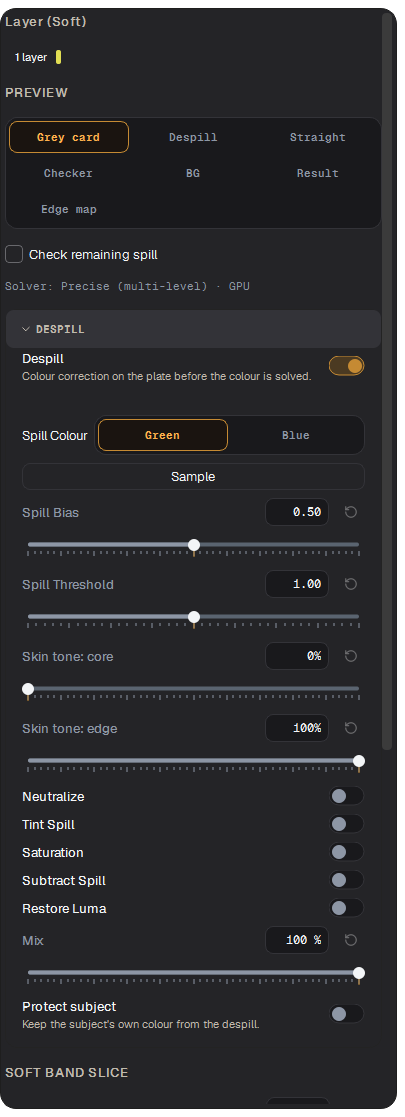
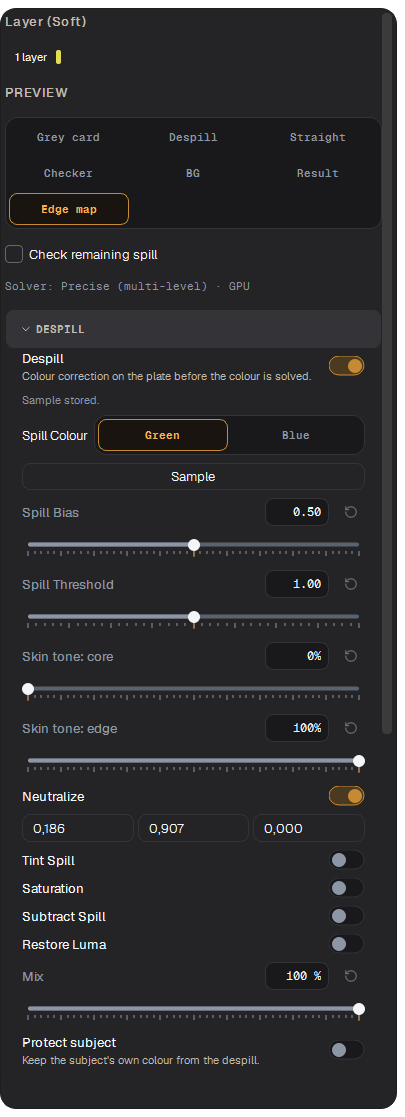
Edge Fix with the Despill section open
What it makes
The result is straight colour plus the layer's Soft, untouched. Apply premultiplication in Nuke before compositing.
Edge Fix works from the layer's Soft, so run Auto enhance first.
Preview modes
Mode
Shows
Grey card
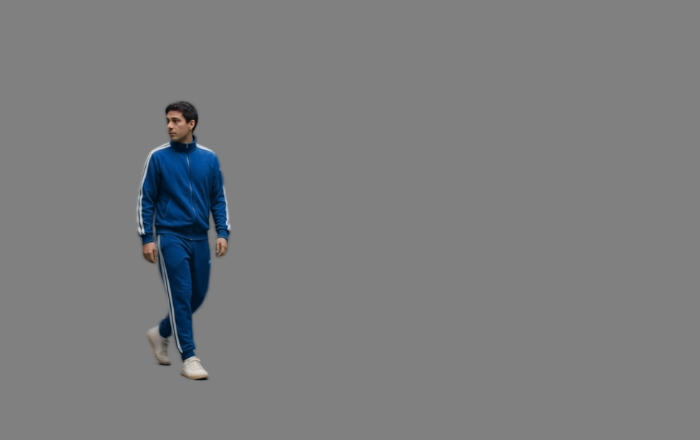
The result over neutral mid grey. The best view to judge spill and edge tone.
Despill
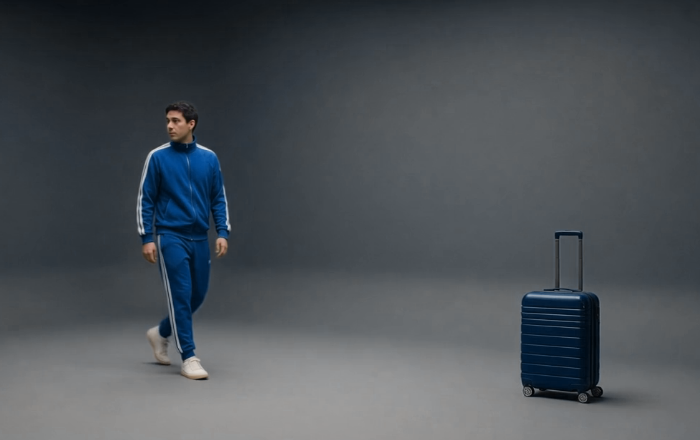
The plate after the colour correction.
Straight
The rebuilt straight colour, without the matte.
Checker
The result over a checker; set the square size.
BG
The result over your own background: an image or a folder of frames (Pick BG…).
Result
What will be written.
Edge map
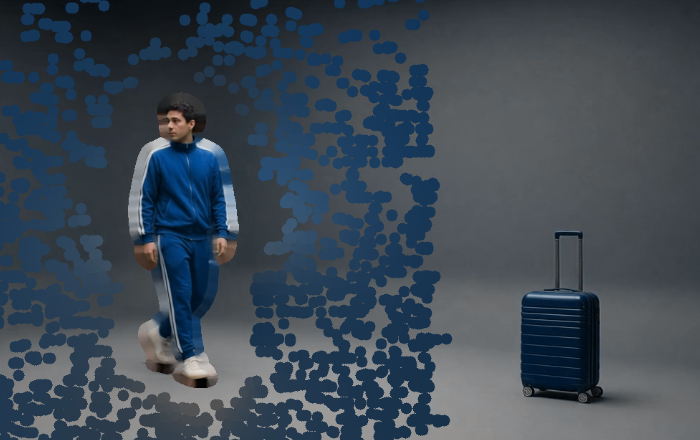
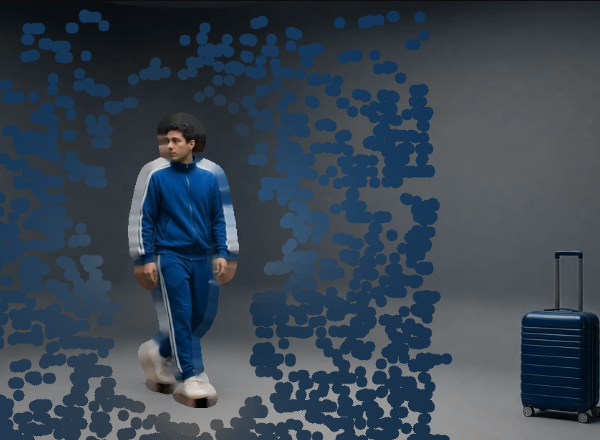
Where the edge band is and how it is treated.
Check remaining spill exaggerates colour differences so leftover spill is easy to see. It is only a visual aid; the export is not changed.
Despill (left) and Grey card (right).
Straight colour (left) and Edge map (right).
Despill
Choose the Spill Colour: Green or Blue.
Press Sample and click the screen on the plate. A 5×5 average is stored once.
Set Mix: 0 is no correction, 100 the full correction.
Protect subject keeps the subject's own colours from the despill: Picked colours (click Pick colour, then the skin or a costume colour; Ctrl+click adds more) or Core normals (the app follows the matte inward to tell cloth from spill).
The fine controls (Spill Bias, Spill Threshold, skin tone in core and edge, Neutralize, Tint Spill, Subtract Spill, Restore Luma, Suppress noise) tune the correction; the defaults are a good start.
After Sample: the screen colour is storedThe green is already sampled. Edge Fix runs on the IN/OUT (sped up), then the preview switches to Edge map.
Edge controls
Soft band slice: Hard edge squeezes an in-focus edge (hair, cloth, a crisp silhouette) and lays the body's colour outward; Soft edge does the same on a lens-blurred edge and also removes specks of the old background. Soft threshold is the blur, in pixels, from which an edge counts as soft.
Body colour in rim: gives the soft rim the subject's own colour instead of un-mixing it.
Fade into the core only: keeps the body colour right up to the solid core's edge.
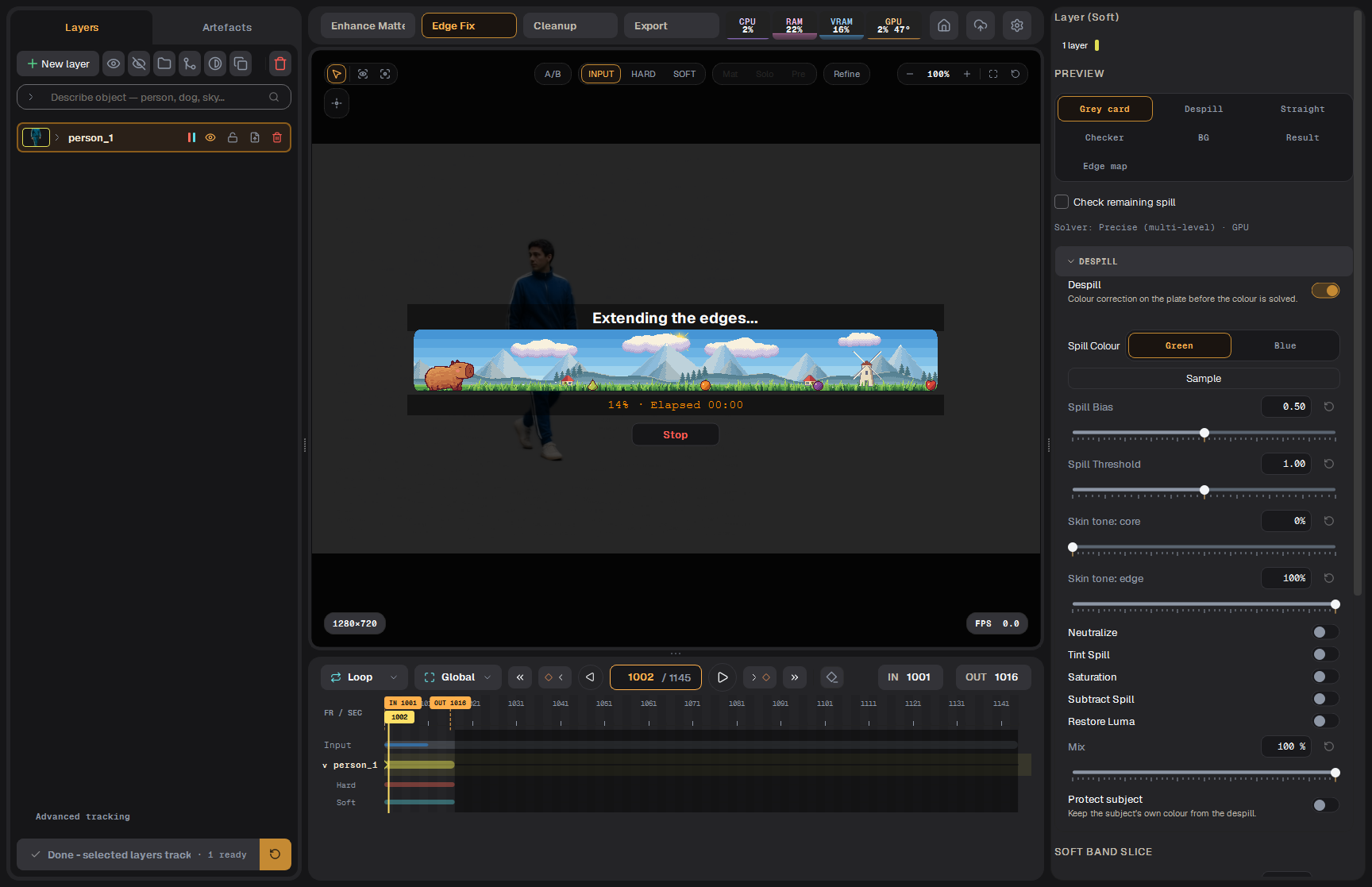
Run edge extend
Set a short IN/OUT, select the layer and press Run edge extend. The progress bar shows the frames. The result is written next to the clip and appears in the Artefacts tab; Export picks it up.
Edge Fix running
Tip For green screen: Track → Auto enhance → Edge Fix with despill → Export. Judge the result on Grey card, at 200–400% zoom on the hair.
Edge Fix и despill
Edge Fix даёт чистый цвет переднего плана под маской: собственный цвет объекта восстанавливается под мягким краем и продлевается за него, зелёный или синий спилл убирается. Сама маска не меняется.
Edge Fix с открытой секцией Despill
Что получается
Результат — straight-цвет плюс нетронутый Soft слоя. В Nuke выполните premultiply перед композицией.
Edge Fix работает от Soft слоя, поэтому сначала запустите Auto enhance.
Режимы предпросмотра
Режим
Показывает
Grey card
Результат на нейтральном среднем сером. Лучший вид, чтобы оценить спилл и тон края.
Despill
Плейт после коррекции цвета.
Straight
Восстановленный straight-цвет без маски.
Checker
Результат на шахматке; размер клетки настраивается.
BG
Результат на вашем фоне: картинка или папка кадров (Pick BG…).
Result
То, что будет записано.
Edge map
Где проходит полоса края и как она обрабатывается.
Check remaining spill преувеличивает разницу цветов, чтобы остатки спилла было легко увидеть. Этот режим влияет только на просмотр.
Despill (слева) и Grey card (справа).
Straight-цвет (слева) и Edge map (справа).
Деспилл
Выберите Spill Colour: Green или Blue.
Нажмите Sample и щёлкните по экрану на плейте. Один раз запоминается среднее по 5×5 пикселей.
Задайте Mix: 0 — без коррекции, 100 — полная коррекция.
Protect subject защищает собственные цвета объекта от деспилла: Picked colours (нажмите Pick colour, затем щёлкните по коже или цвету костюма; Ctrl+щелчок добавляет ещё) или Core normals (приложение идёт по маске внутрь, чтобы отличить ткань от спилла).
Тонкие настройки (Spill Bias, Spill Threshold, тон кожи в ядре и на краю, Neutralize, Tint Spill, Subtract Spill, Restore Luma, Suppress noise) подстраивают коррекцию; значения по умолчанию — хорошее начало.
После Sample цвет экрана запомненЗелёный уже взят образцом. Edge Fix считается на IN/OUT (ожидание ускорено), затем просмотр переключается на Edge map.
Настройки края
Soft band slice: Hard edge сжимает резкий край (волосы, ткань, чёткий силуэт) и выкладывает цвет тела наружу; Soft edge делает то же на размытом объективом крае и ещё убирает крапинки старого фона. Soft threshold — размытие в пикселях, начиная с которого край считается мягким.
Body colour in rim: даёт мягкой кайме собственный цвет объекта вместо разделения смеси.
Fade into the core only: держит цвет тела до самой границы плотного ядра.
Запуск
Поставьте короткий IN/OUT, выберите слой и нажмите Run edge extend. Полоска прогресса показывает кадры. Результат пишется рядом с клипом и появляется на вкладке Artefacts; Export его подхватывает.
Edge Fix идёт
Совет Для зелёного экрана: Track → Auto enhance → Edge Fix с деспиллом → Export. Оценивайте результат на Grey card, при зуме 200–400% на волосах.