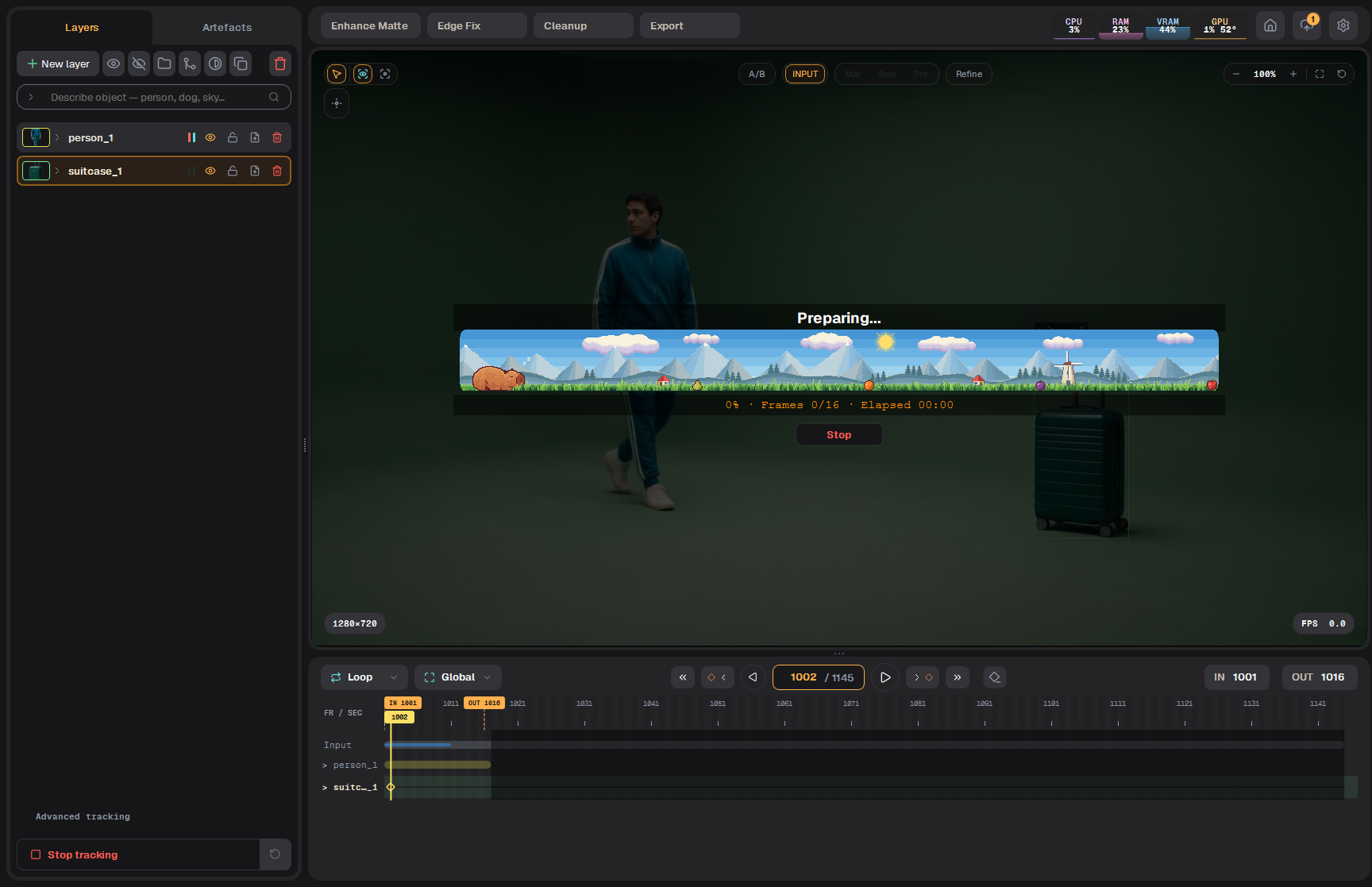
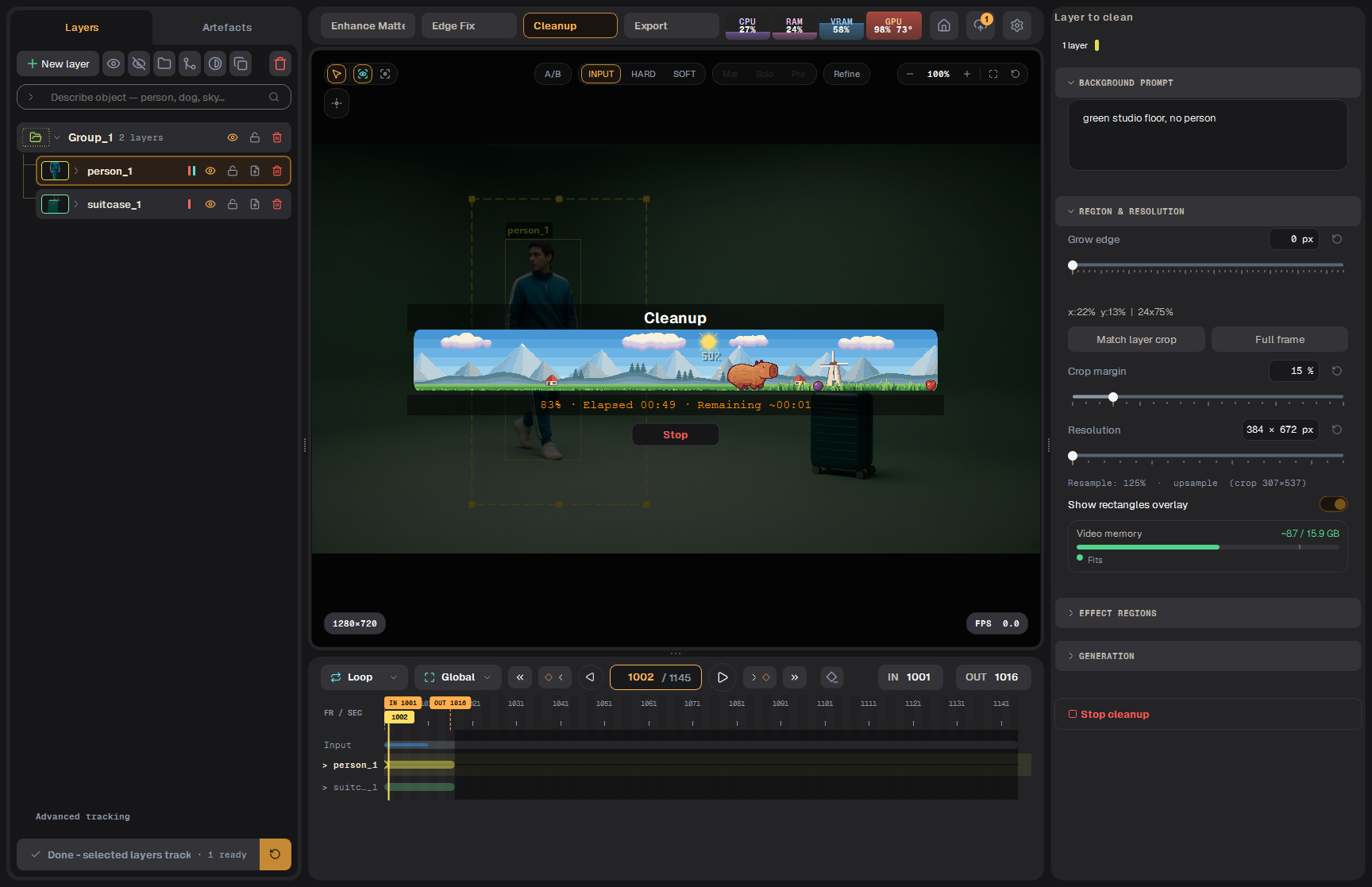
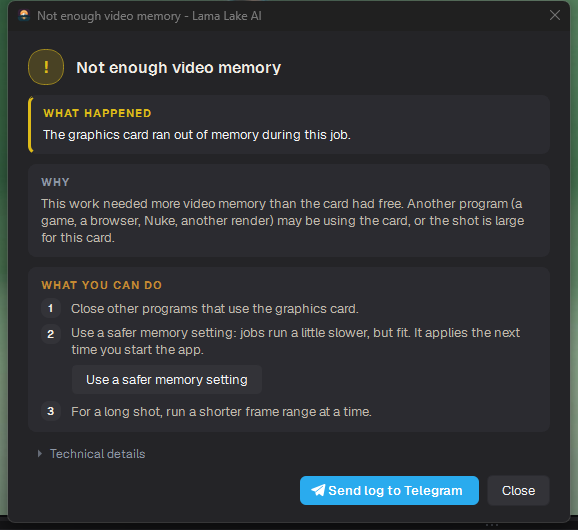
A problem window has three parts: What happened, Why, and What you can do, with buttons for the likely fix (for example Retry, Render on this machine, or a safer memory setting).
An error window: what happened, why, and what to do
Click Technical details to see the raw message for support.
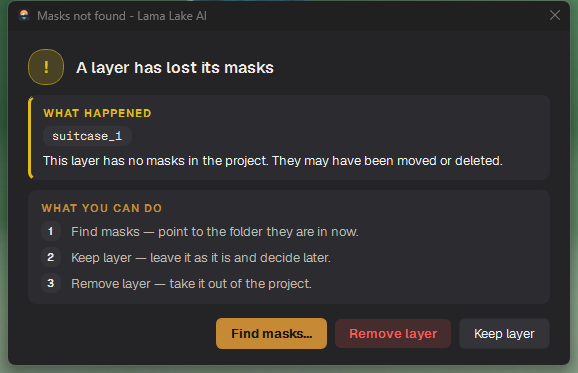
Some windows ask a question instead. For example, when a project's mask folders are missing:
Masks not found: keep the layers, remove them, or point at where the masks are
Send log to Telegram
Error windows have Send log to Telegram. It packs the log and opens Telegram's chat picker, so you can send it to support in two clicks. If Telegram is not installed, Show log file opens the folder with the log instead.
Logs and console
Logs are in C:\Users\<you>\.lamalake\logs.
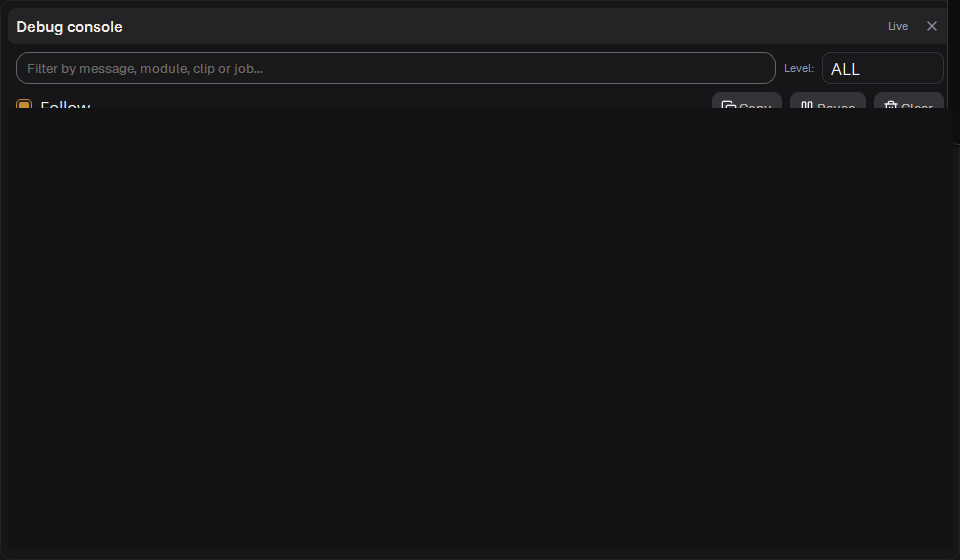
Settings → Debug console (F12) shows the live log.
The Debug console
Прогресс и окна ошибок
Полоса прогресса показывает состояние задачи. Окна сообщений содержат описание ситуации и доступные действия.
Полоска прогресса
Идёт трекинг
Заголовок говорит, что происходит сейчас («Waking up the tracker…», «Phase 2/5 · Marking what to erase…»).
Строка под картинкой: проценты, Frames N/M — сколько кадров готово из всех, прошедшее время и, когда его можно оценить, оставшееся.
В окне проблемы три части: What happened (что случилось), Why (почему) и What you can do (что можно сделать), с кнопками для вероятного решения (например Retry, Render on this machine или более экономный режим памяти).
Окно ошибки: что случилось, почему и что делать
Technical details показывает исходный текст ошибки для поддержки.
Некоторые окна вместо этого задают вопрос. Например, когда у проекта нет папок с масками:
Masks not found: оставить слои, удалить их или указать, где лежат маски
Send log to Telegram
В окнах ошибок есть Send log to Telegram. Кнопка упаковывает лог и открывает выбор чата в Telegram — отправить в поддержку можно в два щелчка. Если Telegram не установлен, Show log file открывает папку с логом.
Логи и консоль
Логи лежат в C:\Users\<вы>\.lamalake\logs.
Settings → Debug console (F12) показывает лог в реальном времени.