Viewer and view modes
The viewer shows the plate and the mattes of the selected layer. Select a layer in the Objects panel first: the view buttons work on it.
| Button |
Shows |
| INPUT |
The plate as imported. The small arrow on it picks a cleanup result to show instead of the plate. |
| HARD |
The layer's tracked, drawn or imported mask. |
| SOFT |
What Auto enhance made of the layer: a soft edge with real transparency. Inactive until it has been run. |
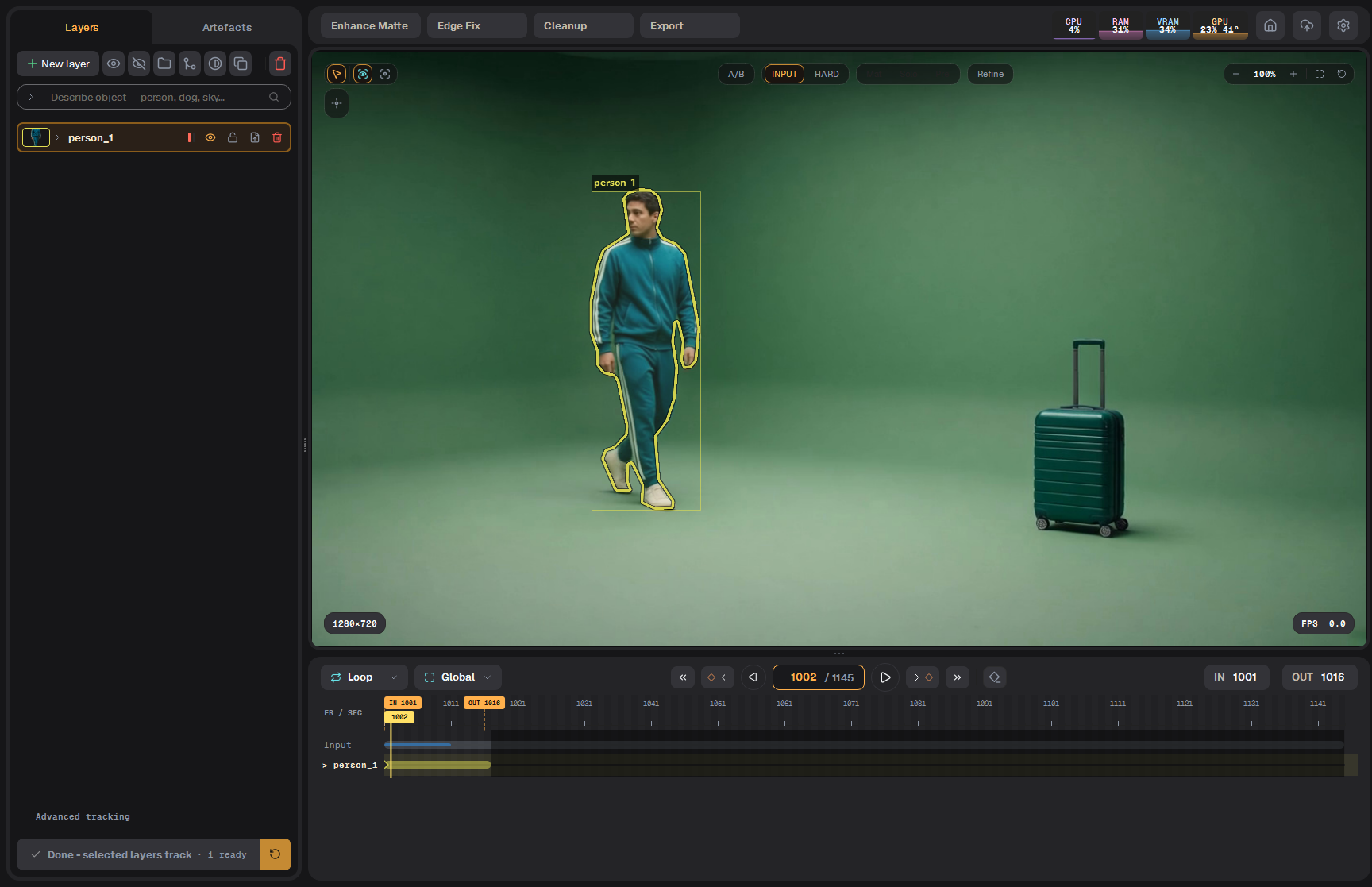
Input (left) and Hard over the picture (right).
Mat, Solo, Pre
How the matte is shown:
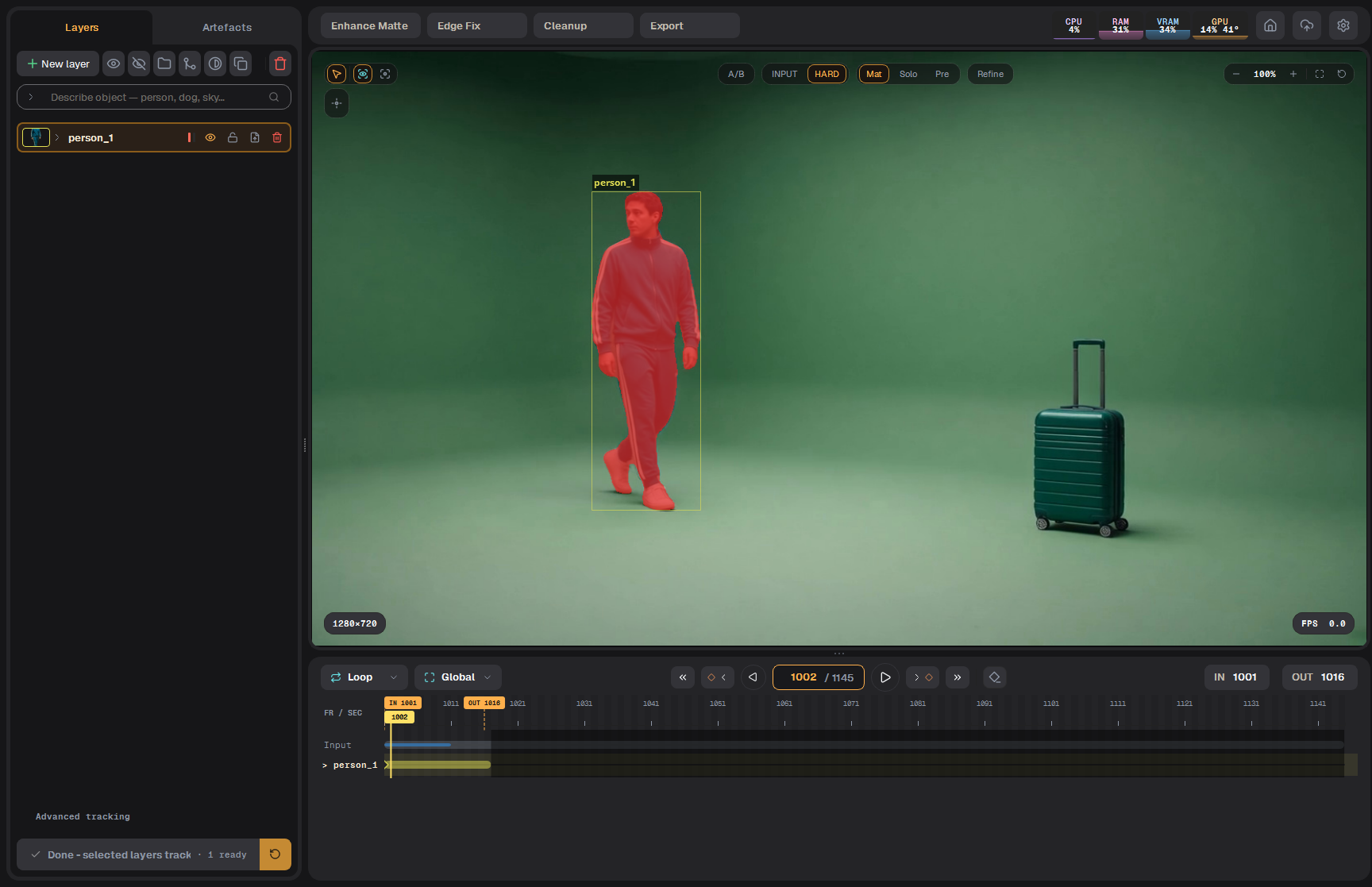
- Mat: the matte over the picture in colour.
- Solo: the matte alone, white on black.
- Pre: the picture multiplied by the matte (premultiplied) over grey.
Mat, Solo and Pre for Hard, then switching between Input and Hard. Playback is sped up.
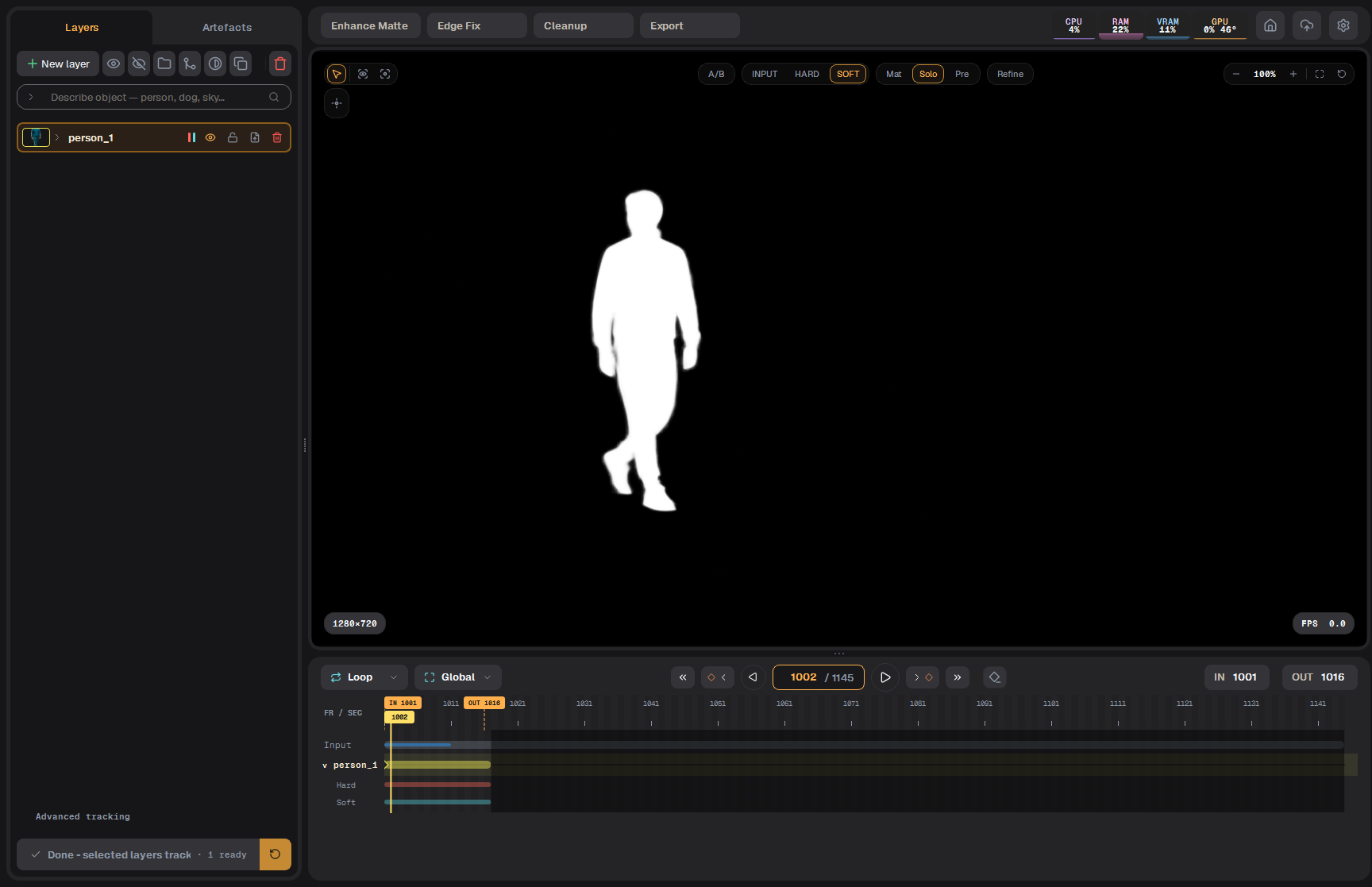 Solo: the Soft matte alone
A/B compare
A/B (W) splits the picture: the input plate on the left, the current view on the right. Drag on the picture to move the split.
Moving the A/B split across the subject, with Pre on the right side.
Zoom and pan
- Mouse wheel zooms around the mouse pointer.
- Middle button drag pans.
- F fits the frame, H fills the viewer.
- The − / + buttons and the percentage at the top right; the round arrow resets the zoom.
- The square button (or Space) makes the viewer full screen; press it again to come back.
Zooming into the hand, panning with the middle button, and resetting the zoom.
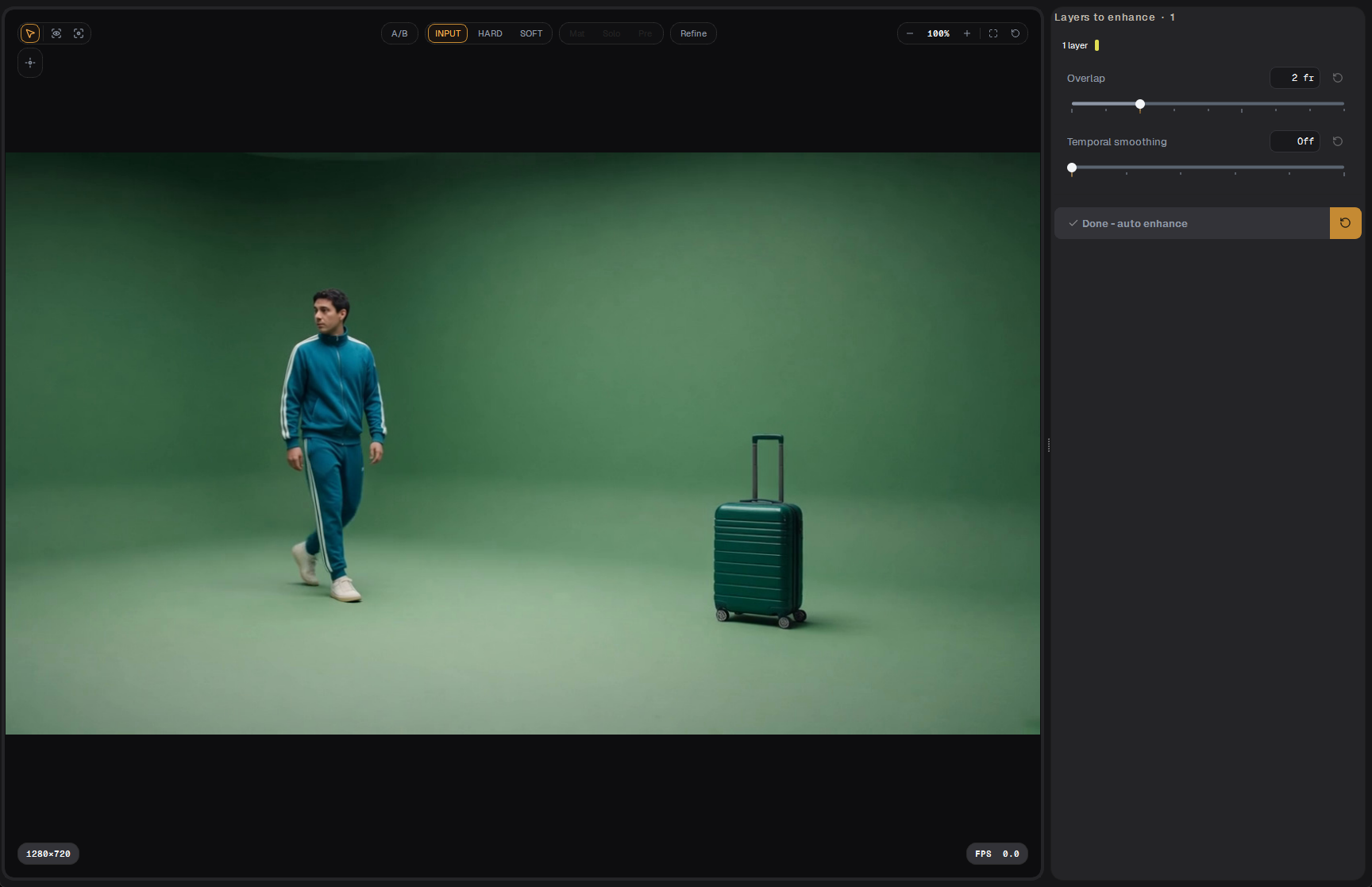 The viewer full screen
Helpers
- Overlay (Q, second tool on the left): the object box and the layer outlines.
- Stabilise the view (third tool): holds one selected subject still on screen while you play, so you can judge its edge.
- Tracker doubt (D): shows a heat map of where the tracker was unsure on the current frame. Select a tracked layer first; press D again to turn it off.
- Badges: the plate resolution at the bottom left, the playback rate at the bottom right.
Вьюер и режимы просмотра
Вьюер показывает плейт и маски выбранного слоя. Сначала выберите слой в панели Objects: кнопки вида работают с ним.
| Кнопка |
Показывает |
| INPUT |
Плейт как есть после импорта. Маленькая стрелка на кнопке позволяет показать вместо плейта результат cleanup. |
| HARD |
Маска слоя из трекинга, рисования или импорта. |
| SOFT |
Результат Auto enhance для слоя: мягкий край с настоящей прозрачностью. Неактивна, пока его не запускали. |
Input (слева) и Hard поверх картинки (справа).
Mat, Solo, Pre
Как показывается маска:
- Mat: маска цветом поверх картинки.
- Solo: только маска, белым по чёрному.
- Pre: картинка, умноженная на маску (premultiplied), на сером.
Режимы Mat, Solo и Pre для Hard; затем переключение Input и Hard. Видео ускорено.
Solo: только Soft-маска
Сравнение A/B
A/B (W) делит картинку: слева исходный плейт, справа текущий вид. Тащите по картинке, чтобы двигать границу.
Граница A/B двигается по объекту, справа вид Pre.
Зум и панорама
- Колесо мыши — зум вокруг указателя.
- Средняя кнопка — перетаскивание картинки.
- F вписывает кадр, H заполняет вьюер.
- Кнопки − / + и проценты справа вверху; круглая стрелка сбрасывает зум.
- Квадратная кнопка (или Space) разворачивает вьюер на весь экран; ещё раз — назад.
Зум на руку, панорама средней кнопкой и сброс зума.
Вьюер на весь экран
Помощники
- Overlay (Q, второй инструмент слева): рамка объекта и контуры слоёв.
- Стабилизация вида (третий инструмент): держит выбранный объект неподвижным на экране во время воспроизведения, чтобы оценить его край.
- Сомнения трекера (D): тепловая карта мест, где трекер был не уверен на текущем кадре. Сначала выберите затреканный слой; ещё раз D — выключить.
- Плашки: разрешение плейта слева внизу, скорость воспроизведения справа внизу.